> ## Documentation Index
> Fetch the complete documentation index at: https://docs.cognigy.com/llms.txt
> Use this file to discover all available pages before exploring further.
# Trigger Function
 ## Description
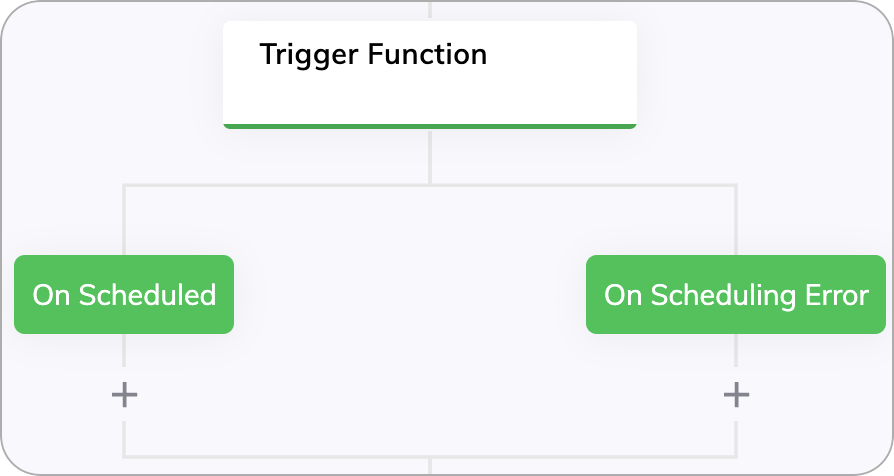
This Node executes a [Function](/ai/for-developers/functions).
If the Function was successfully scheduled, it will execute the **On Scheduled** branch, otherwise it will execute the **On Scheduling Failed** branch.
## Parameters
| Parameter | Type | Description |
| ------------------- | ---- | -------------------------------------- |
| Function | List | Select the Function to be executed. |
| Function Parameters | JSON | Enter the parameters for the Function. |
## Description
This Node executes a [Function](/ai/for-developers/functions).
If the Function was successfully scheduled, it will execute the **On Scheduled** branch, otherwise it will execute the **On Scheduling Failed** branch.
## Parameters
| Parameter | Type | Description |
| ------------------- | ---- | -------------------------------------- |
| Function | List | Select the Function to be executed. |
| Function Parameters | JSON | Enter the parameters for the Function. |