> ## Documentation Index
> Fetch the complete documentation index at: https://docs.cognigy.com/llms.txt
> Use this file to discover all available pages before exploring further.
# Phone Numbers
> Manage phone numbers in Voice Gateway to route inbound calls to Endpoints. Learn how to add, configure, and delete DID numbers linked to carriers.
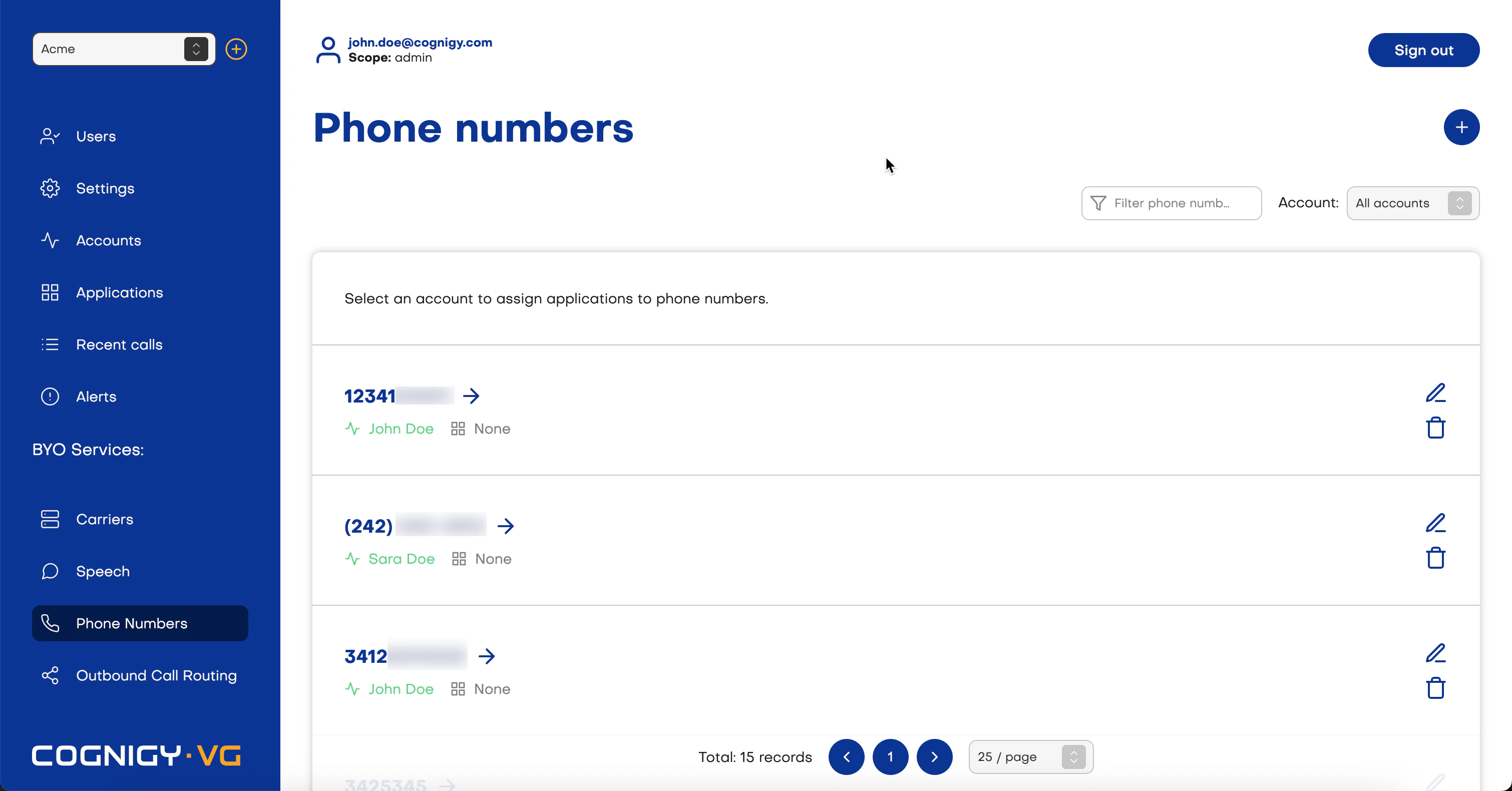
*Phone Numbers* are routed to your [Endpoints](/voice-gateway/getting-started#create-a-voice-gateway-endpoint). Phone number helps route incoming voice calls to the Cognigy conversation flow.
To create a phone number, select **Phone numbers** in the left-side menu, then click **Add phone number** or **+**. After that, add a carrier, account, and application, then save changes.
You can create more than one phone number.
After creating a phone number, you can delete it or edit the Account and Application fields.