> ## Documentation Index
> Fetch the complete documentation index at: https://docs.cognigy.com/llms.txt
> Use this file to discover all available pages before exploring further.
# xApps Overview
> Learn about Cognigy xApps concepts, including sessions, screens, and how to build flexible micro-web applications for customer self-service within conversational journeys.
Updated in 4.51
The existing payment terms for xApps are outlined in the [Billing](https://docs.cognigy.com/ai/administer/billing/) article. Cognigy reserves the right to change the billing of xApps in the future.
Cognigy xApps are infinitely flexible micro-web applications for customer self-service.
xApps can be used stand-alone or complementary to any channel to enhance AI and human agents'
capabilities and to overcome channel limitations compromising user experiences.
The behavior of xApps is controlled via a set of [xApp Flow Nodes](/ai/agents/develop/node-reference/xApp/overview).
You can build the actual xApp pages in two ways,
by providing [HTML code](/ai/agents/develop/node-reference/xApp/set-html-xApp-state)
or by specifying an [Adaptive Card in JSON](/ai/agents/develop/node-reference/xApp/set-AdaptiveCard-xApp-state).
Alternatively, for more customization, you can create your own Node by implementing and uploading an Extension.
Watch this webinar to get a quick overview of what xApps are, how they work, and in which scenarios you can use them. The webinar also includes a tutorial on how to build a simple xApp.
## Compatibility
* Cognigy xApps are compatible with the [supported browsers and channels](/xApps/supported-browsers-and-channels).
## Concepts
### Session Concept
An xApp Session can be accessed via the URL and be initialized via the [xApp: Init Session](/ai/agents/develop/node-reference/xApp/init-xApp-session) Flow Node. The xApp Session displays a sequence of xApp pages that can be configured as desired. A maximum of one xApp Session can be initialized per Cognigy Session.
### Screen Concept
The Shell Page has a set of configurable built-in screens. These default screens can be used to interact with end users, for example, when the xApp content is not displayed. These default screens are part of the Shell Page, which holds the connection to the Cognigy.AI backend.
#### xApp Screen
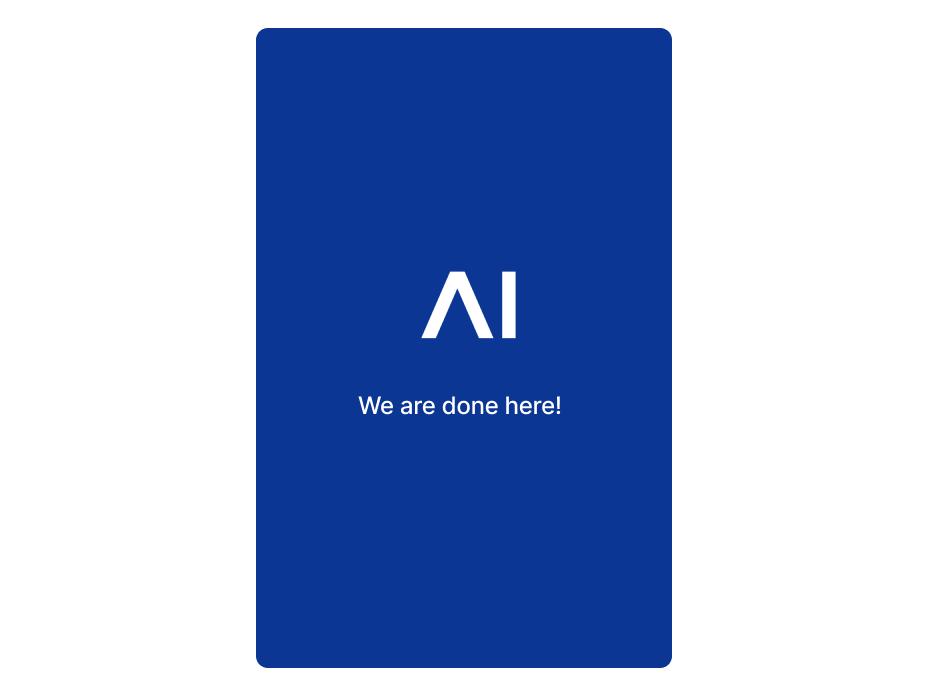
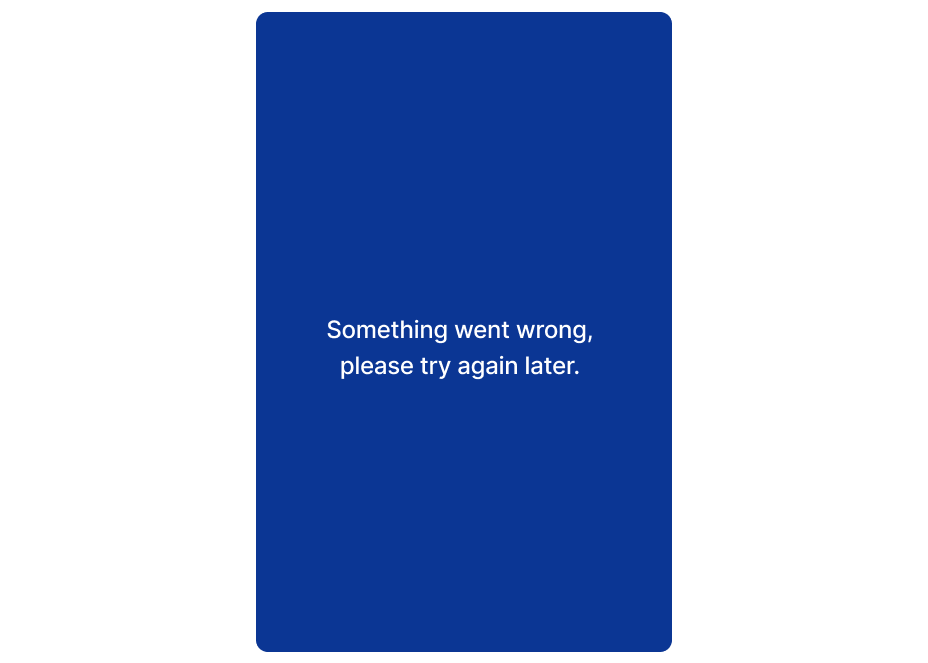
The xApp Screens are shown when the xApp page is launched, fails to launch, encounters an Error, and is halted.
#### Intermediate Screen
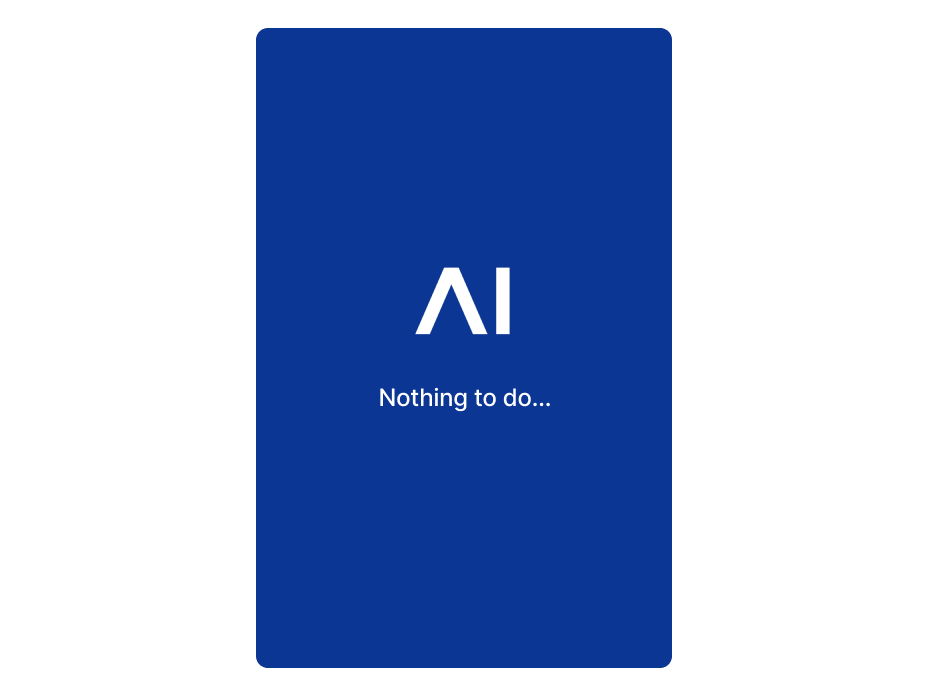
The Intermediate Screens are displayed to the end user while no xApp page is configured to be displayed. The default Intermediate Screen can be replaced with a custom-built xApp page.
#### Connection Screen
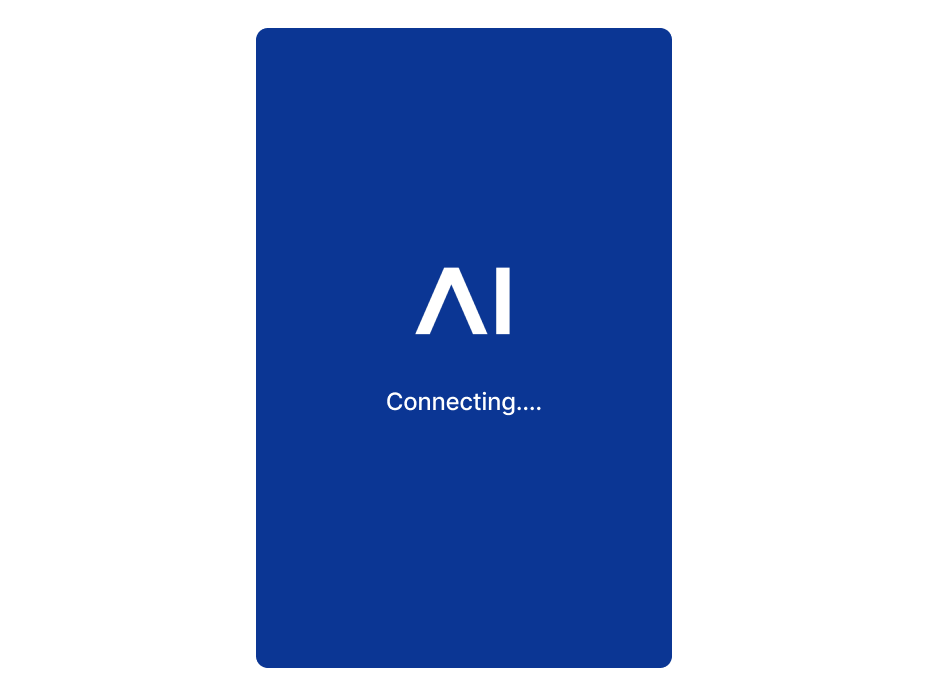
The Connection Screens are shown while the real-time connection to the backend is re-established. The default Connection Screen can be replaced with a custom-built xApp page.
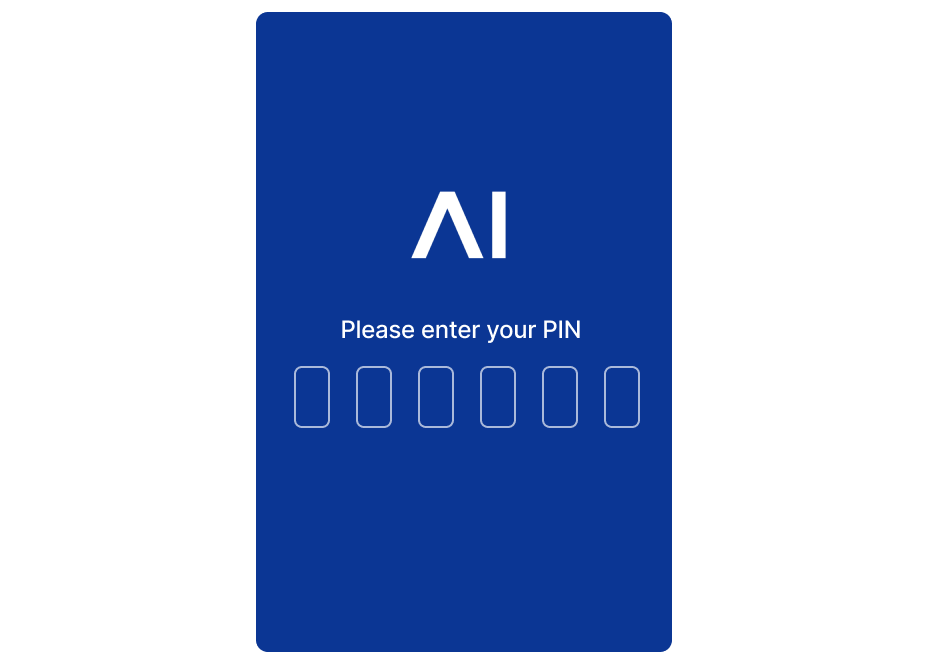
#### PIN Screen
The PIN Screen prompts the end user to enter the xApp Session PIN. The user needs to provide the correct PIN to access the xApp pages. Requesting a PIN to enter the session is optional.
## How it Works
To learn more about how an xApp works, read the [Use cases](/xApps/use-cases) and [Build your first xApp](/xApps/build/first-xApp) articles.
You can find ready-made examples of xApps in the [Cognigy GitHub](https://github.com/Cognigy/xApps/tree/main) repository.
## More Information
* [Architecture](/xApps/architecture)
* [xApp Nodes](/ai/agents/develop/node-reference/xApp/overview)
* [xApp Tokens](/xApps/tokens)
* [xApp Flow API](/xApps/api)
 #### Intermediate Screen
The Intermediate Screens are displayed to the end user while no xApp page is configured to be displayed. The default Intermediate Screen can be replaced with a custom-built xApp page.
#### Intermediate Screen
The Intermediate Screens are displayed to the end user while no xApp page is configured to be displayed. The default Intermediate Screen can be replaced with a custom-built xApp page.
 #### Connection Screen
The Connection Screens are shown while the real-time connection to the backend is re-established. The default Connection Screen can be replaced with a custom-built xApp page.
#### Connection Screen
The Connection Screens are shown while the real-time connection to the backend is re-established. The default Connection Screen can be replaced with a custom-built xApp page.
 #### PIN Screen
The PIN Screen prompts the end user to enter the xApp Session PIN. The user needs to provide the correct PIN to access the xApp pages. Requesting a PIN to enter the session is optional.
#### PIN Screen
The PIN Screen prompts the end user to enter the xApp Session PIN. The user needs to provide the correct PIN to access the xApp pages. Requesting a PIN to enter the session is optional.
 ## How it Works
To learn more about how an xApp works, read the [Use cases](/xApps/use-cases) and [Build your first xApp](/xApps/build/first-xApp) articles.
You can find ready-made examples of xApps in the [Cognigy GitHub](https://github.com/Cognigy/xApps/tree/main) repository.
## More Information
* [Architecture](/xApps/architecture)
* [xApp Nodes](/ai/agents/develop/node-reference/xApp/overview)
* [xApp Tokens](/xApps/tokens)
* [xApp Flow API](/xApps/api)
## How it Works
To learn more about how an xApp works, read the [Use cases](/xApps/use-cases) and [Build your first xApp](/xApps/build/first-xApp) articles.
You can find ready-made examples of xApps in the [Cognigy GitHub](https://github.com/Cognigy/xApps/tree/main) repository.
## More Information
* [Architecture](/xApps/architecture)
* [xApp Nodes](/ai/agents/develop/node-reference/xApp/overview)
* [xApp Tokens](/xApps/tokens)
* [xApp Flow API](/xApps/api)