Multichannel
You can use an xApp in addition to the main communication channels, such as voice, Webchat widget, Teams, WhatsApp, and others. The full list is in Supported browsers and channels. To learn how it works, follow Build an xApp with multiple channels.Power up AI agents
Enhance the capabilities of AI agents by supporting use cases that go beyond the limitations of the current communication channel. This improvement helps AI agents handle more complex tasks and provide better assistance to users.Power up human agents
Enable Agent Copilot to suggest xApps to human agents. Agents can share these xApps with users to simplify tasks like form completion or perform actions that the agent can’t handle alone, such as fingerprint authentication or collecting payments.Standalone
You can use an xApp as a standalone application. You can build the xApp to address specific tasks or processes that don’t require a conversation. Users can access these xApps via a URL and interact with them directly without another communication channel. To learn how it works, follow Build a standalone xApp.Examples
xApps are infinitely flexible. The following examples illustrate specific use cases where an xApp can provide convenient and efficient solutions, enhance user experiences, and improve process workflows.Authentication via credentials
Allow users to authenticate using various methods such as email addresses, user numbers, or other identification details. Users can securely verify their identity and gain access to specific services or information.Select flight seats
Offer users an interface to choose their preferred seat for their flight. Users can view the available seats and select the seat of their choice, enhancing their travel experience. You can find an example of implementation in the Cognigy GitHub repository.Share location
Allow users to share their device’s location information. This use case is useful in various scenarios, such as providing location-based services, tracking deliveries, or finding nearby resources.Take pictures via mobile camera
Provide users with an interface to capture images of metering devices using their mobile camera. This use case is useful for utility companies or service providers to remotely monitor and analyze metering data.Collect payments
With xApps, you can let users complete a payment without leaving the conversation, for example to pay for a booking. Users complete the payment in the xApp, and the AI agent confirms it in the conversation.Add boarding passes to wallet
Allow users to add their boarding pass to a digital wallet. This use case enables users to easily access their boarding information, simplifies the check-in process, and eliminates the need for printed boarding passes.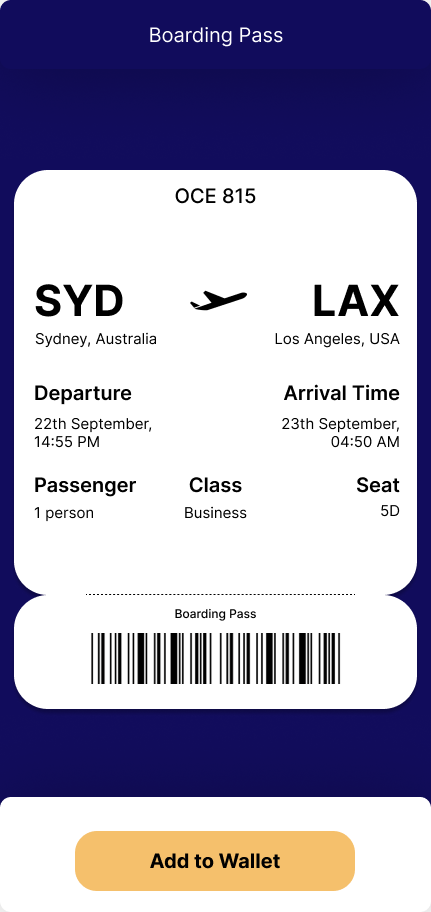
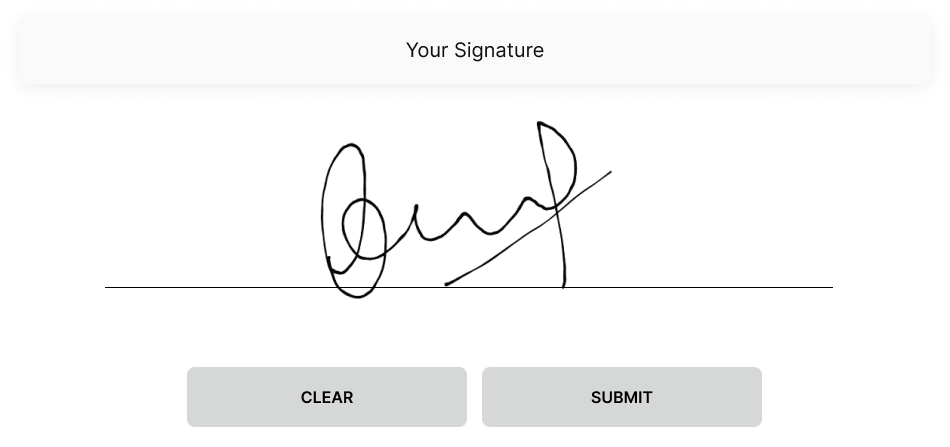
Create signatures
Provide a digital signature functionality. Let users can sign documents or forms electronically, eliminating the need for physical signatures and streamlining paperwork processes. You can find an example of implementation in the Cognigy GitHub repository.