

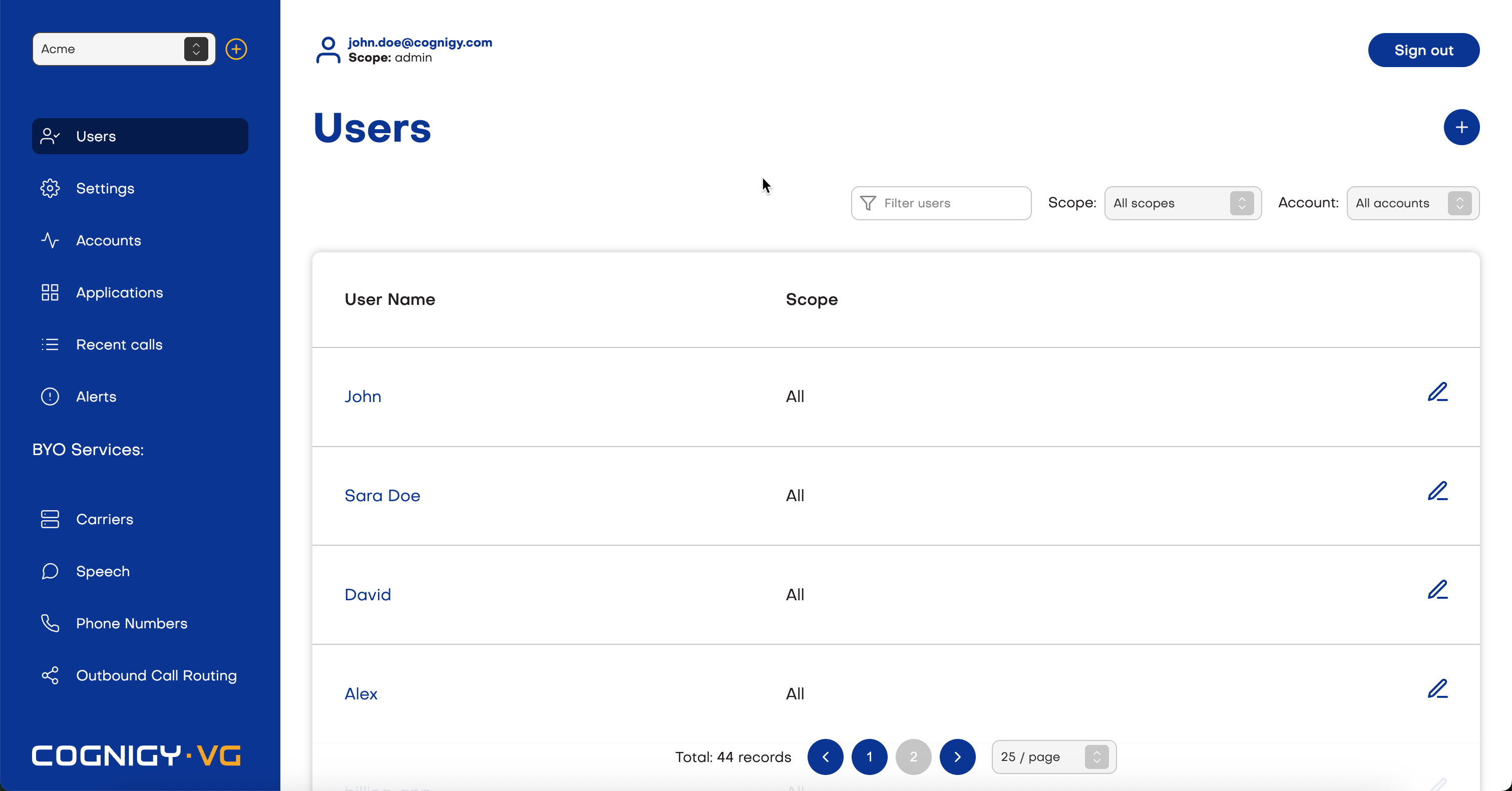
Scopes
A Scope defines a user role and the permissions associated with it. The scope determines what actions a user can perform, which resources they can access, and what areas of the system they can manage. Assigning the appropriate scope ensures users have the correct level of access while maintaining security and operational control. Depending on the Cognigy Voice Gateway installation, members can have the following scopes:Account
Updated in 4.62 This scope includes basic operations with Voice Gateway entities, such as creating, editing, and deleting entities. It also allows for editing user profiles, carriers, and speech services that belong to users with the Account scope. Users with the Account scope can be authorized in the Voice Gateway Self-Service Portal via their Cognigy user credentials. To activate this option, you need to activate the Set up Voice Gateway button in the User menu > Admin Center of the Cognigy UI. Go to User Menu > Admin Center > Access Control and add avoice-gatewayUser role for selected users.