

- Main page — where you land after signing in and can view your projects.
- Resource pages — where you manage flows, knowledge stores, and other resources inside a project.
- Navigation menu — where you move between the pages of a project.
Main page
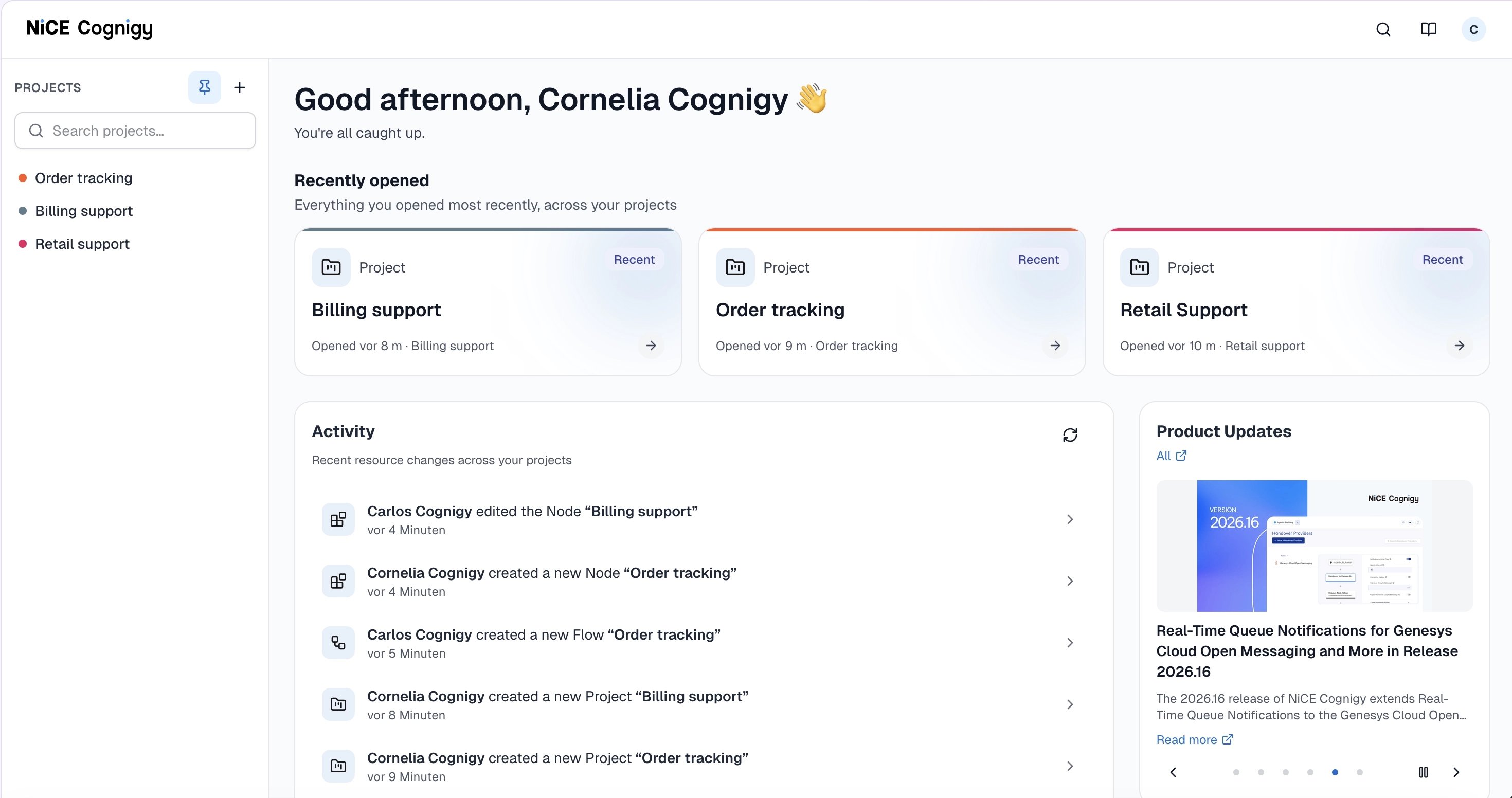
In the Projects sidebar, you can find, open, and manage your projects. Pinned projects appear first, sorted by name. The other projects follow, with the most recently changed first. A colored dot next to a project shows its color.
To manage a project, hover over it, click 
| Control | Description |
|---|---|
| Search projects | Filters the list by project name. |
 | Keeps the sidebar open. |
 | Opens the New project dialog, where you can create a project. |
- Pin project or Unpin project — Pins the project to the top of the list or removes it from there.
- Copy project ID — Copies the project ID to your clipboard.
- Edit — Opens the Edit Project dialog, where you can change the Name and Color of the project. Click Save.
- Delete — Opens a confirmation dialog. Enter the project name and click Delete project. This permanently deletes the project and everything in it.
Top bar
Top bar
| Button | Description |
|---|---|
 | Opens the search bar. |
 | Opens the Cognigy documentation in a new tab. |
 | Opens the user menu, where you can open Admin Center (if you have access), open My Profile, log out, and see the release version. |
Dashboard
Dashboard
| Section | Description |
|---|---|
| Recently opened | Shows cards for the resources you opened most recently across your projects. Each card shows the resource type, the project color, and when you opened it. Click a card to open the resource. |
| Activity | Lists recent resource changes across your projects, for example, who created or edited a flow. Click a row to open the resource, and click  |
| Product Updates | Shows a carousel of product news from your organization’s updates feed. Click Read more to open the article, All to open all updates, or use the arrows and dots to browse. |
Resource pages
Resource pages are where you view and manage the resources that make up your agent, such as flows, knowledge stores, and endpoints. You reach them from the navigation menu of a project. The following images show the Endpoints page in the card view and in the list view as an example:- Card
- List
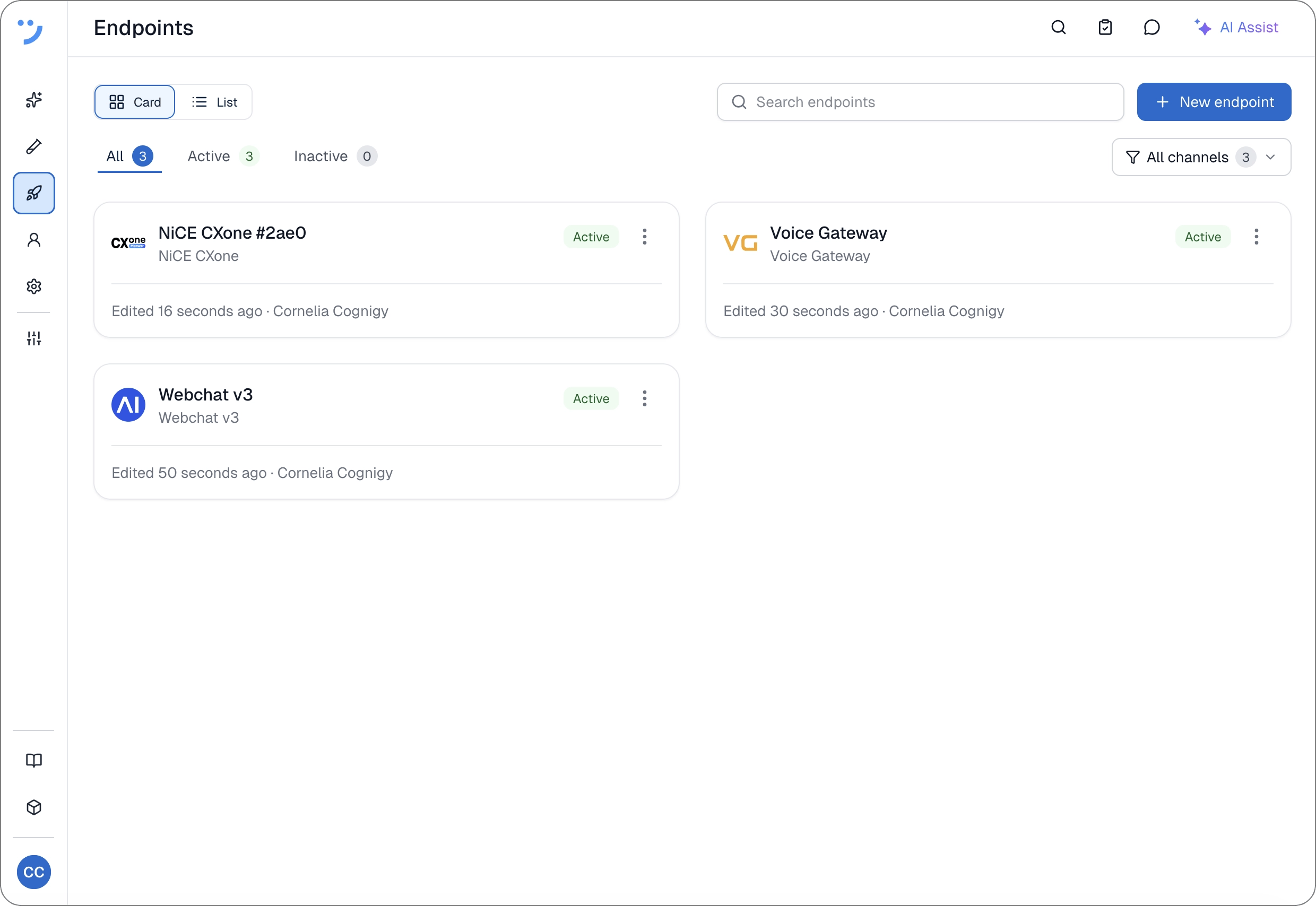
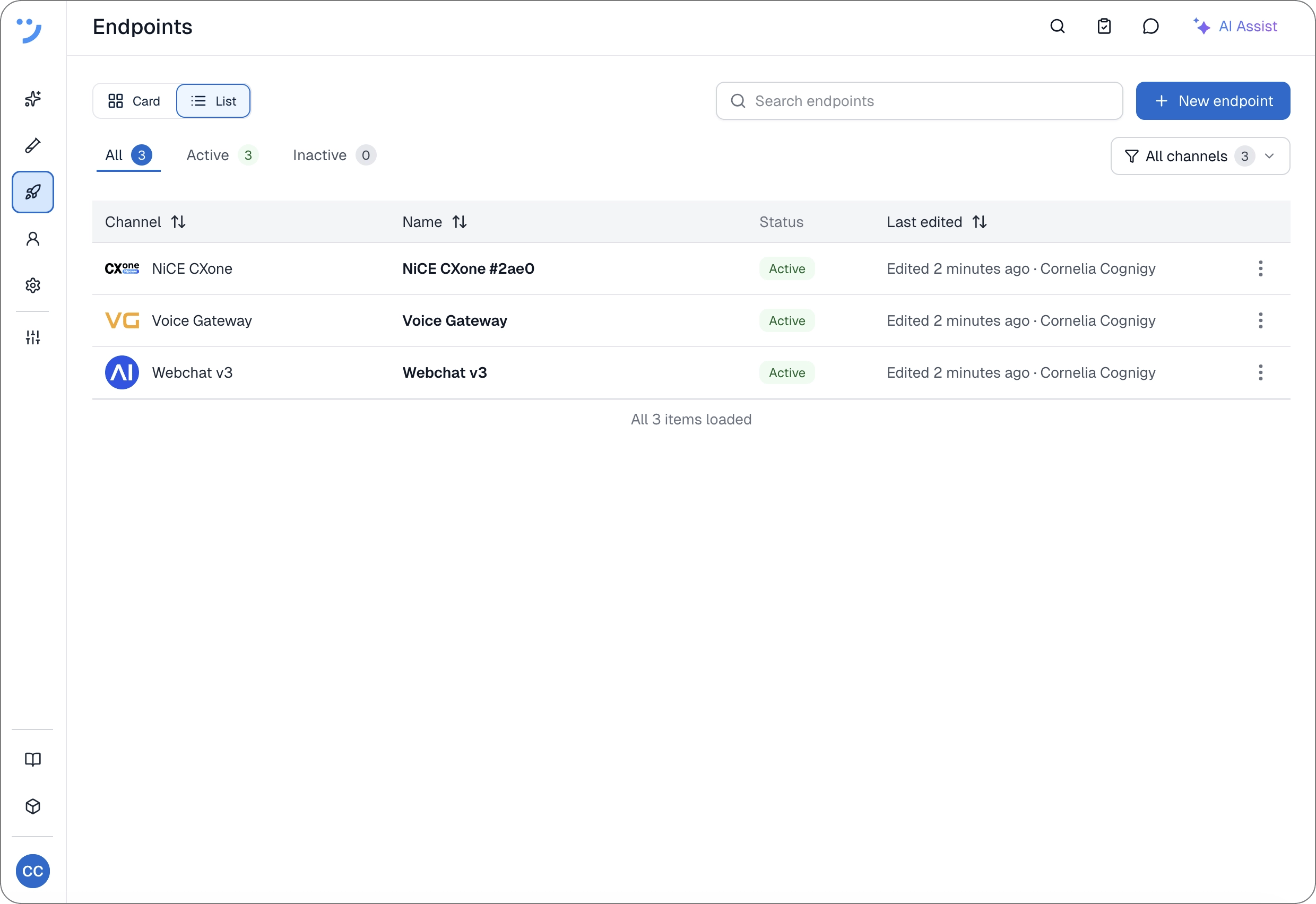
Controls
Controls
| Control | Description |
|---|---|
| Card and List | Switches between the card view and the list view. Available on some resource pages, for example, agents, endpoints, and knowledge stores. |
| Search field | Filters the resources by name. |
| Create button | Creates a resource, for example, Add agent or New endpoint. The label depends on the page. |
 | Opens the actions for a resource. The available actions depend on the resource, for example, Edit, Rename, Clone, Copy Reference ID, Export as package, and Delete. |
Navigation menu
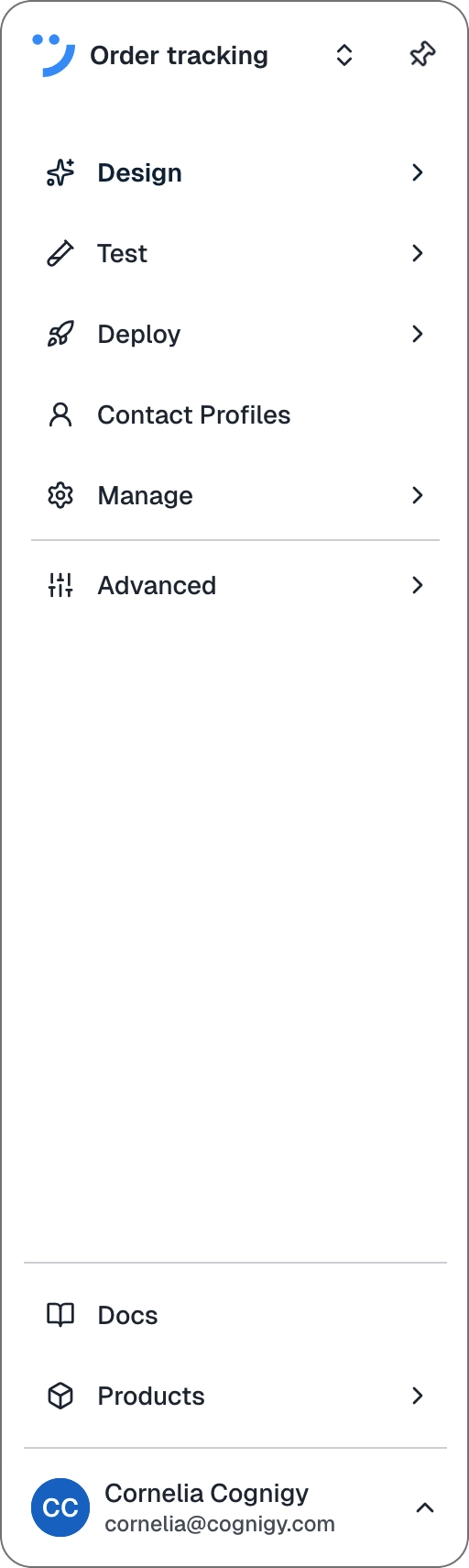
- Docs — opens the Cognigy documentation.
- Products — opens other Cognigy products, for example, Insights.
- User avatar — shows your name and email. Click it to open the user menu, where you can open the admin center and your profile, or log out.