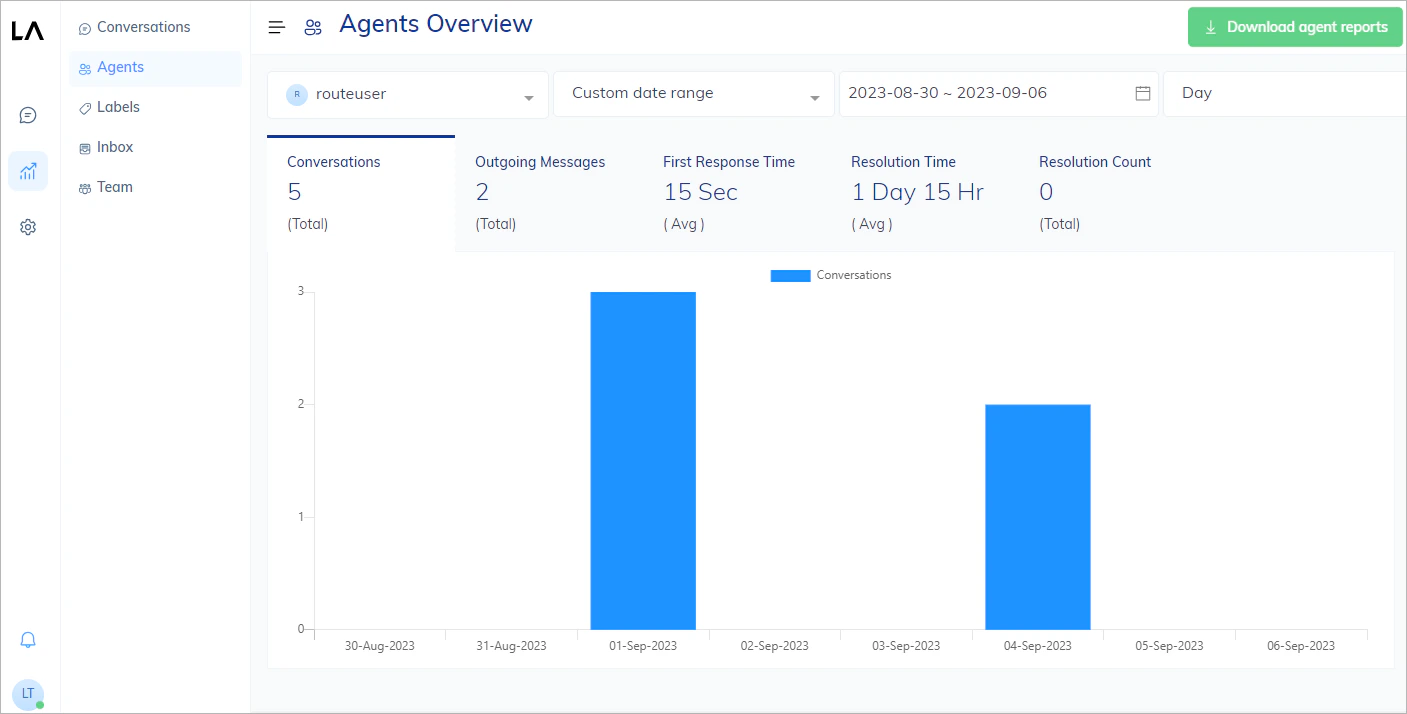
This report shows agent-specific metrics, such as the number of conversations, outgoing messages, average response time, average resolution time, and the number of successfully resolved user requests, to assess and optimize an agent’s performance in handling conversations. By analyzing these metrics over time, you can identify trends and make data-driven decisions to improve the efficiency and quality of your customer support or communication processes. For example, if you notice an increase in average response time, you may need to allocate more resources or provide additional training to your agents. If the number of resolved requests is declining, it may signal a need for process improvements or better tools. To learn more about metrics, refer to Report Metrics.Documentation Index
Fetch the complete documentation index at: https://docs.cognigy.com/llms.txt
Use this file to discover all available pages before exploring further.

View Reports
To view a report, do the following:- In the Live Agent interface, go to Reports > Agents.
- In the upper-left corner of the report page, select an agent and time period from the lists.