Live Agent has been put in maintenance mode. The product will continue to be maintained in the foreseeable future. Users can continue to fully rely on Live Agent being available. In future releases, only security updates and bug fixes will be provided; no new features will be released.
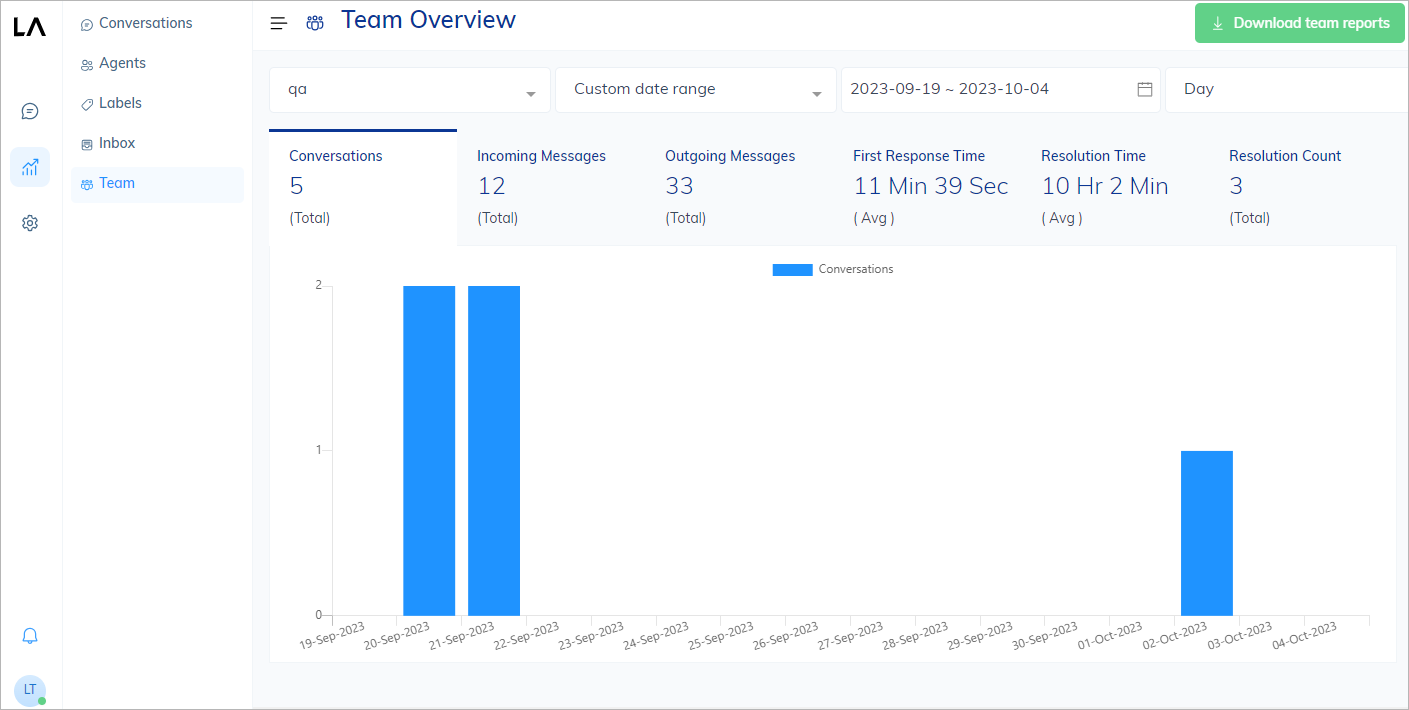
This report shows team-specific metrics, such as the number of conversations, outgoing messages, average response time, average resolution time, and the number of successfully resolved user requests for each team. The Teams report provides a comprehensive view of team performance and is essential for identifying areas that may need improvement. For instance, if the average response time is too high, it could mean that the team needs to improve its responsiveness. If the resolution time is long, it might indicate the need for more effective problem-solving strategies. To learn more about metrics, refer to Report Metrics.
Live Agent Team report

View Reports

To view a report, do the following:
  1. In the Live Agent interface, go to Reports > Teams.
  2. In the upper-left corner of the report page, select a team and time period from the list.
The chart will be updated with the corresponding data related to the selected filter.

Download Reports

To download a report as a CSV file, click Download Report in the upper-right corner of the report page.

More information