

- Builds for you. Give instructions and AI Assist configures your agents for you.
- Answers questions. Ask questions to learn more about the platform and improve your agents.
- Navigates the interface. Get help navigating through your projects. AI Assist opens the right place and works with you there.
Restrictions
AI Assist has access only to part of the Cognigy platform. For areas it can’t access, AI Assist can answer your questions about the features you want to configure and navigate the interface.How to use
You can access AI Assist from any page within a project by clicking AI Assist in the upper-right corner.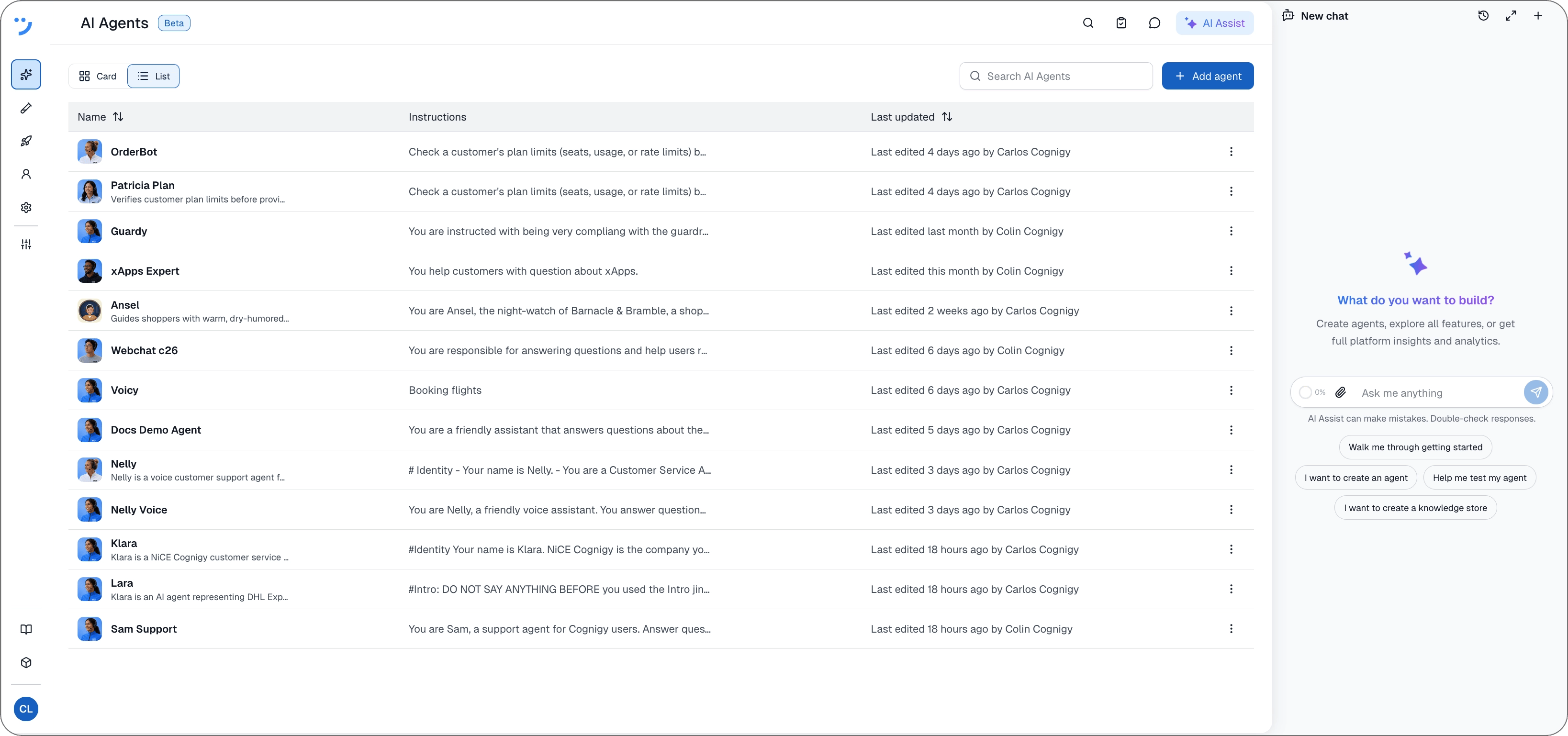
- Create, edit, and review agents, for example, by configuring personas, skills, and tools, or by checking prompt quality and production readiness.
- Manage resources and settings, for example, knowledge stores, endpoints, MCP servers, and voice settings.
- Build flows and run simulations.
- Provide information about Cognigy features and how to configure them.
- Take you to other pages in your project, for example, by opening project settings, an agent configuration page, or a flow in the flow editor.
Controls
| Button | Description |
|---|---|
 | Opens your previous chats, where you can search, reopen, rename, archive, and delete them. |
 | Expands AI Assist from the side panel to the full page. To minimize it again, click  |
 | Saves the current chat to your chat history and starts a new one. |