Updated in 4.60Documentation Index
Fetch the complete documentation index at: https://docs.cognigy.com/llms.txt
Use this file to discover all available pages before exploring further.

Description
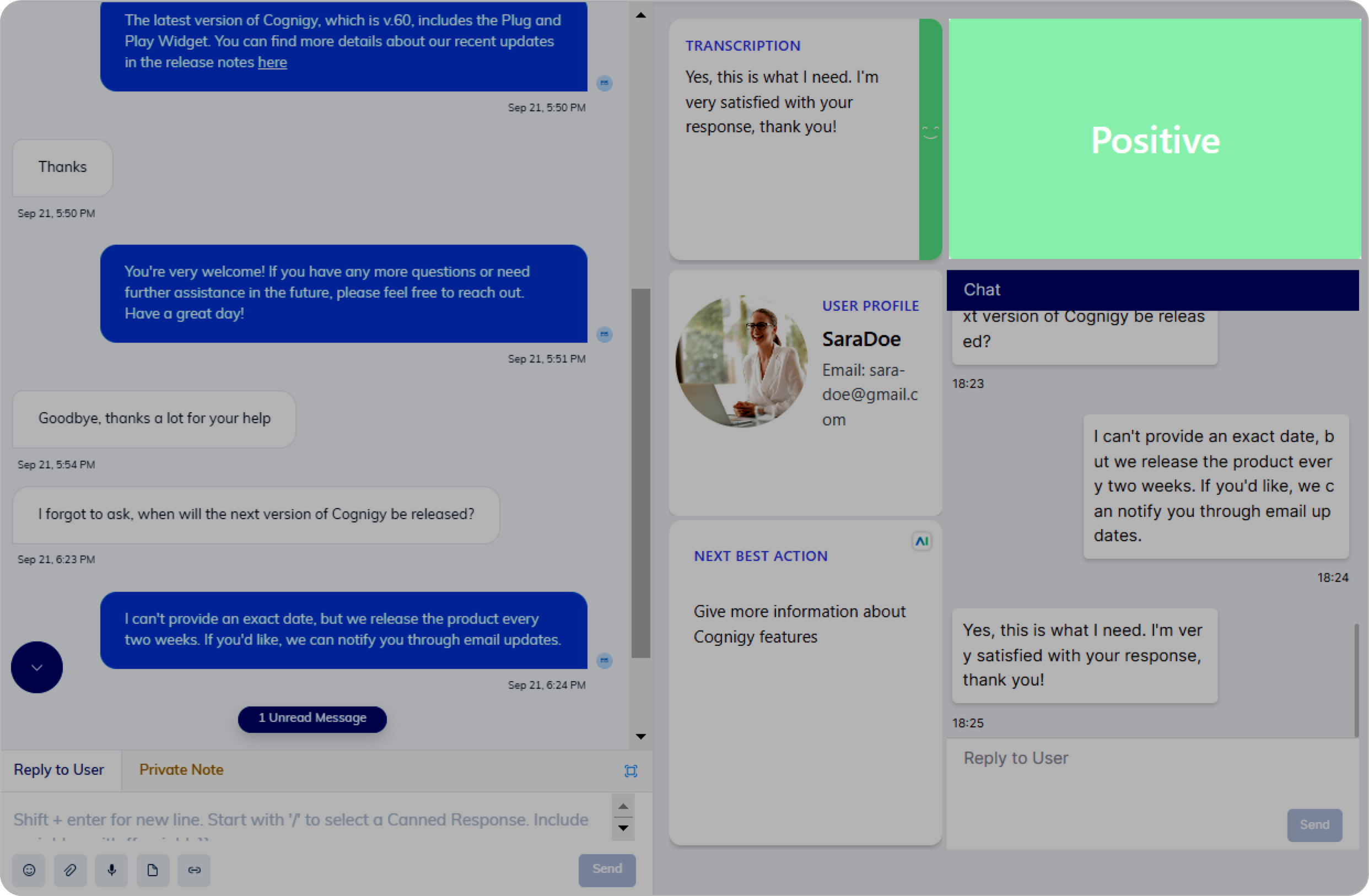
This Node performs sentiment analysis on the most recent input and provides insights into the emotional tone (positive, negative, or neutral) of the last user inputs. This real-time analysis offers immediate feedback to human agents regarding the emotional tone of the customer within the Agent Copilot workspace. For instance, if the sentiment becomes negative during a conversation, the system can promptly alert the human agent to take appropriate action.Prerequisites
- Add a compatible LLM and select the LLM in the Generative AI settings.
Parameters
| Parameter | Type | Description |
|---|---|---|
| Tile ID | CognigyScript | The ID that you created in the Agent Copilot configuration. |
| Sentiment Analysis Input | Select | The number of user inputs that should be analyzed by a model. You can choose whether you want to analyze the last input or the last 10 inputs. |
Use Case
The Copilot: Sentiment Tile Node allows you to analyze a larger part of the conversation, extending beyond the user’s latest message. This Node helps provide a more objective conversation assessment and empowers the management of the customer’s overall impression.